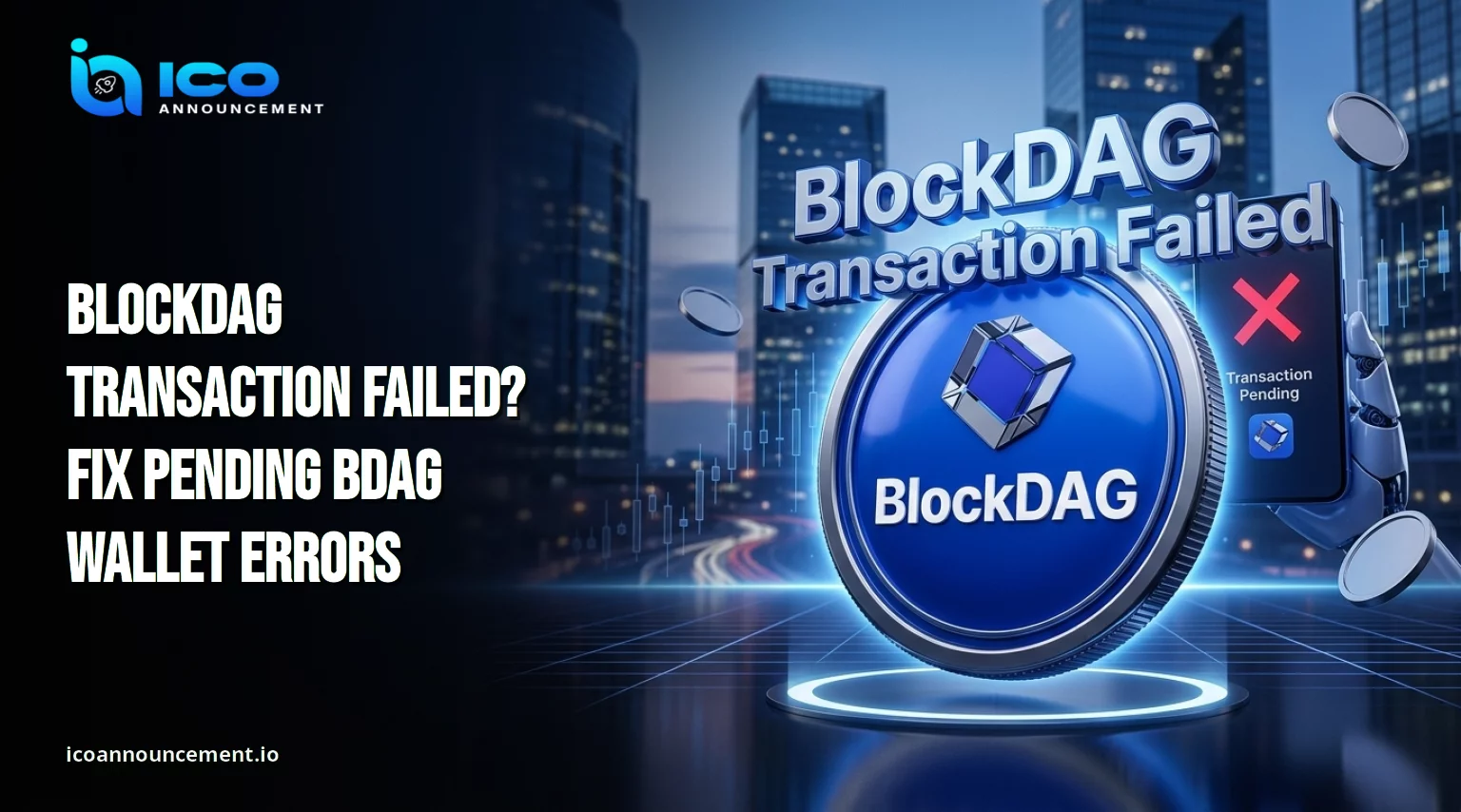
BlockDAG Transaction Failed: Are Your BDAG Coins Still Safe?
A transfer can be rejected before it reaches the chain, wait for confirmation, or finish on-chain while your app still shows an old balance.
Each case needs a different response, so the first job is to find out which one you are facing.
This guide uses a status-first approach.
You will see why a payment stalls, how to read the transaction hash on the explorer, which wallet address and network compatibility checks matter, and when it is safe to try again.
Why Is Your BDAG Transfer Failing or Stuck in Pending Status?
This chain adds blocks side by side instead of one at a time.
Our BlockDAG parallel block technology explainer covers that design.
For a sender, the practical point is simple: a payment moves through steps, and it can stop at any of them.
Most problems fall into four groups.
The request was never broadcast because of a setting in the app.
It was broadcast but still shows pending status. It reached the chain and was marked failed.
Or it confirmed, and only the app display is out of date.
Treat these as four separate situations, because the fix for one can cause harm in another.
BlockDAG Transaction Failed: Common Wallet and Network Errors
When a BlockDAG transaction failed alert appears, the cause is usually one of these:
The app is not set to BlockDAG Mainnet.
A custom chain entry has a wrong RPC address or chain ID.
The account lacks enough balance to cover the transfer fees.
The address has a typo or belongs to another chain.
The receiving side does not use BDAG, which the official setup page warns about.
The app is outdated, or its session is stale.
An exchange has paused or limited withdrawals.
Most of these are a BDAG wallet error or a setup mistake, not proof of a network fault. Check them before you blame the chain.
How to Fix a Pending BDAG Transfer Step by Step Without Resending
Learning how to fix a pending BlockDAG transaction starts with one rule: do not send it again.
Copy the hash from your wallet activity list.
Look the hash up on the explorer.
If the record shows confirmed, only your app display is wrong. Close the app, reopen it, and refresh the balance.
If it shows pending, wait and check again later.
If it shows failed, review the fee balance, address, and network, then retry with a small test amount.
If the explorer finds nothing, the request was probably never broadcast. Review your network settings.
Some wallets offer a speed-up or cancel option for pending items. Use it only after you know the real status.
Our Fix pending BDAG errors article has a shorter checklist if you only need the quick version.
BlockDAG Wallet Not Connecting? Checks to Try Before Retrying
Compare your saved settings with the official wallet setup page.
It lists the network name BlockDAG Mainnet, the RPC URL rpc.bdagscan.com, chain ID 1404, the symbol BDAG, and an EVM-compatible chain type.
The same page says wallets must be connected to the chain to view balances and to send or receive.
If the custom network option is missing in the Trust Wallet iOS app, the page points to the Trust Wallet web extension on desktop Chrome.
A cold wallet is described as listing BDAG automatically, so you do not add it by hand.
After any change, restart the app, reconnect, and check the balance again.
BDAG Transaction Not Confirmed: How to Check the Transfer Status
Use the official block explorer to read the BDAG transaction status.
Its menu includes Blocks and Transactions sections, so you can compare your record with recent network activity.
Match four details against what you meant to send: sender, receiver, amount, and network.
A mismatch tells you the problem is on your side. Keep a screenshot of the hash and the result.
If many transfers fail at once, or the explorer shows no recent activity, the cause may be BlockDAG network issues rather than your setup.
Wait for a notice on the project’s official channels before assuming an outage.
The BlockDAG ecosystem guide shows where the explorer fits among other tools.
BlockDAG Transfer Failed? Fees, Network, and Address Checks to Review
Three checks cover most cases. First, keep enough balance in the account for the network fee on top of the amount you send.
Read the fee your app displays before you confirm, and ignore figures from social posts.
Second, make sure the sender and receiver both use BDAG on the same network.
Third, compare the first and last characters of the destination address on screen, because malware can swap a pasted address.
If the coins came from an exchange, remember that they stay on the platform until withdrawn.
Our BlockDAG buying guide explains that handoff.
Before a withdrawal, confirm the platform supports BDAG withdrawals on the route you choose.
How to Avoid Duplicate Transactions and Potential BDAG Losses
A second send does not cancel the first. Blockchain transfers are usually final, so a payment to a wrong address is often permanent.
Wait for a clear status, send a small test amount first, and send the rest only after it arrives.
Never share your seed phrase or private key with anyone.
Real support does not need them, and a website that asks you to “validate” or “sync” an account with them is a scam.
Ignore private messages that offer paid recovery after you post about a problem.
Secure your BDAG wallet with the offline backup habits in our guide before you restore or rebuild an app.
What to Do If Your BlockDAG Transfer Still Fails After All Checks
If the problem repeats, stop after two failed attempts and gather your evidence: the hash, both addresses, the amount, the time, the error message, the app name and version, and your wallet settings.
Then contact the wallet app’s own support. For an exchange withdrawal, contact that exchange.
For questions about the project, use the channels listed on the project’s official website.
Share the hash and screenshots only, never your recovery phrase.
If part of your balance comes from an allocation, also check the official vesting terms, since a locked amount may not be movable.
Final Thoughts on Handling a Failed or Pending BDAG Transfer Safely
A BlockDAG transaction failed alert is a signal to check, not to panic.
Find the hash, read its status on the explorer, compare your settings with the official page, and retry only with a small test amount.
Most cases come down to a wrong network, a wrong address, or too little balance for fees.
Disclaimer
This article is for informational purposes only and is not financial advice. Crypto transfers are usually irreversible, and the asset is volatile. Verify details through official project channels and do your own research before acting.