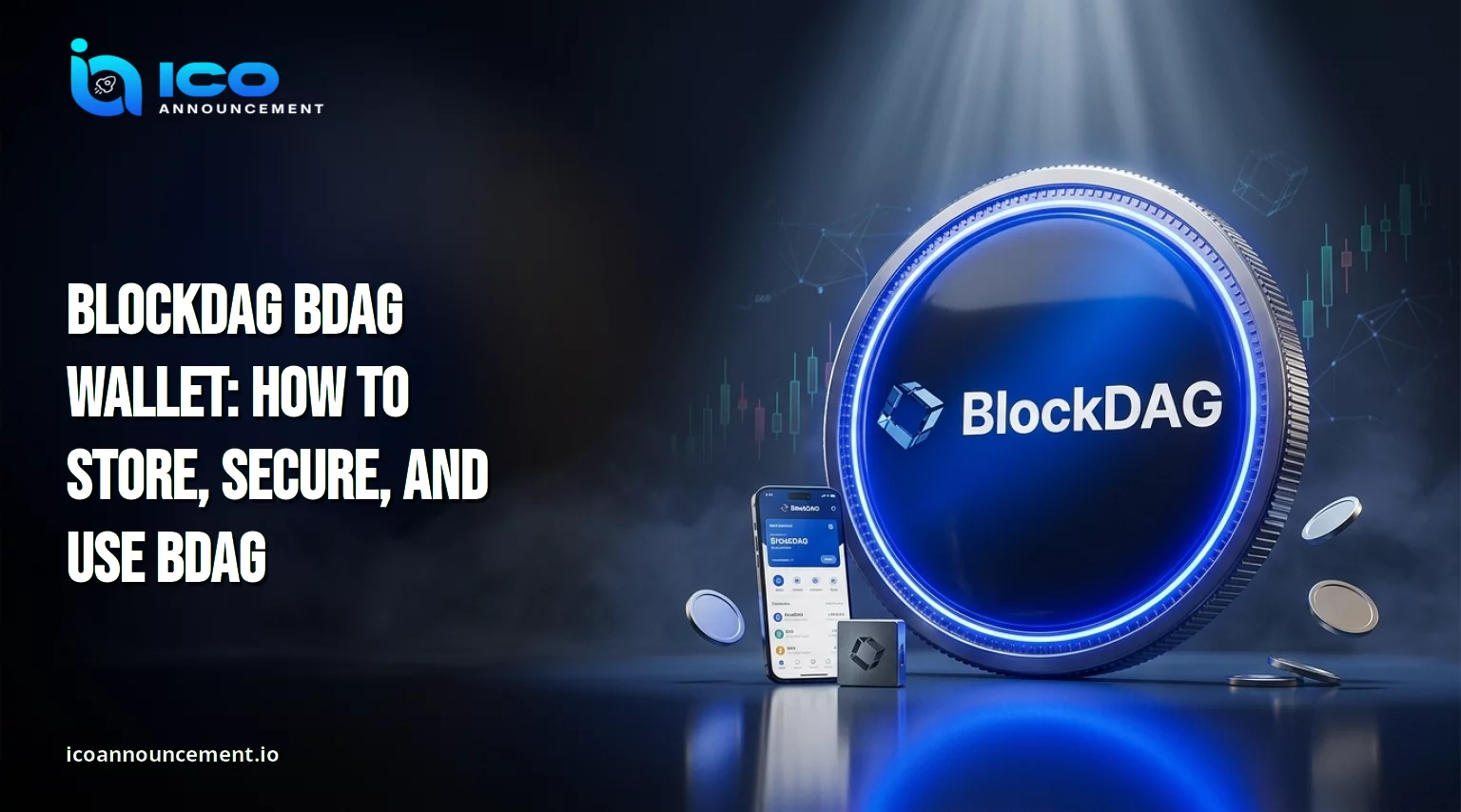
What Is a BlockDAG Wallet, and Why Does It Matter for Holders?
A BlockDAG BDAG wallet is the tool that lets you hold and move coins on the BlockDAG network.
It does not keep coins inside the app.
It keeps the keys that prove you control them.
This guide shows how to pick one, set it up with official network details, avoid scams, and protect your keys after you buy or claim.
Every step below is written for beginners who want a safe routine they can repeat.
What Is a BlockDAG BDAG Wallet, and Why Does It Matter for Holders?
Your coins live on the blockchain.
The app holds a private key or recovery phrase that signs transactions, and whoever controls that phrase controls the funds.
Our BlockDAG explained article gives the background, including the fact that the chain is EVM-compatible, so familiar Ethereum-style apps can connect to it with the right settings.
An exchange account and a self-custody app are not the same thing.
On an exchange, the company holds the keys.
In your own app, you hold them.
That gives you control and full responsibility.
If the phrase is lost or shared, support teams cannot reverse the damage, and the blockchain keeps no undo button.
How to Choose the Best Wallet for BlockDAG Before You Buy Any Coins
Start with network support.
The official setup page lists MetaMask and the Trust Wallet web extension, where you add the network by hand.
It also says a cold device can show BlockDAG automatically among its integrated chains.
The project site has also announced a self-extension integration.
Before choosing, check three things: whether the app accepts custom EVM chains, whether you alone control the recovery phrase, and whether a known team keeps it updated.
Read recent user reviews, and avoid any app that asks for personal documents.
Our BDAG ecosystem guide shows how these tools fit into the wider project.
How to Store BDAG Safely After Buying BlockDAG Tokens or Claiming
Buying and storing are two separate steps.
Follow our guide on how to buy BDAG first, then move holdings from any exchange account to an address you control.
Send a small test transfer before the full amount, and keep the transaction ID for your records.
Keep the recovery phrase offline, on paper, or on metal.
Never store it as a photo, a cloud note, or a chat message.
The official page states that coins are issued directly on mainnet at the token generation event, so your app must be connected to that chain before the balance shows.
BlockDAG BDAG Wallet Setup: Step-by-Step Security Guide for 2026
Copy network details only from the official BlockDAG wallet setup page. Then follow these steps:
Install a trusted app from its official source and write down the recovery phrase offline.
Open the custom network option and enter the name BlockDAG Mainnet.
Add the RPC address rpc.bdagscan.com, chain ID 1404, and the symbol shown on that page.
Save the network, switch to it, and copy your receiving address.
Send a small test transfer and confirm it arrived before moving more. Then lock the app with a strong passcode.
Hot vs. Cold Wallets: Which Option Is Safer for Long-Term Holders?
A hot option stays online, like a browser extension or phone app.
It is handy for frequent use, yet it faces malware and fake sites.
A cold device keeps keys offline and signs only when you confirm on the screen.
It suits larger or long-term holdings, though it costs money and must be bought from the maker.
Many holders use both, with a small amount in the online app and the rest on the device.
Read about BDAG tokenomics too, because tokens still under vesting rules may not be movable yet, and that affects how much you need to secure.
Common BDAG Wallet Scams and Mistakes New Holders Should Avoid
Most losses start with a human error, not a hack.
Watch for these:
Sites that ask you to "validate" or "sync" an account with your recovery phrase.
Support accounts that message you first.
Unofficial claim links and unread approval pop-ups.
Pages that confuse tokens. Recent project updates mention a new coin alongside the existing one, so confirm which asset a page means through official channels.
Real support never needs your phrase.
Bookmark official pages instead of clicking links from ads or chats.
How to Check a BlockDAG Wallet Address Before Sending Any Funds
Paste the address, then compare its first and last characters on screen.
Malware can swap clipboard contents, so a paste alone is not proof.
Confirm the chain is BlockDAG Mainnet and the asset is the one you expect.
Search the address in the BDAG block explorer to see its activity and past transfers.
Send a small test, wait for confirmation, and then send the full amount.
Blockchain transfers are usually final, so a wrong address often means a permanent loss.
What to Do If You Lose Access to Your BDAG Wallet or Recovery Phrase
If you still have the phrase, reinstall the app, restore it, and add the chain details again.
Your funds stay on the blockchain, not inside the app, so a broken phone alone does not mean lost coins.
If the phrase is gone and the device is lost, nobody can recover it for you.
Check any paper or metal backups first.
If you think the phrase was exposed, create a new address with a fresh phrase and move funds at once, using a clean device.
Ignore "recovery services" that contact you first.
BlockDAG BDAG Wallet Security Checklist for New Holders to Follow
Write the phrase on paper or metal and keep it offline.
Use network details from the official page only.
Send a test transfer first.
Verify addresses on screen and on the explorer.
Keep a small online balance and a cold device for the rest.
Lock your phone, update apps, and avoid public Wi-Fi for transfers.
Read every approval before you sign it.
Once your setup works, our BDAG trading guide explains where and how people trade after launch, so you can move coins without exposing your keys.
Disclaimer: This article is for information only and is not financial advice. Crypto assets carry risk, and prices can change quickly. Do your own research and verify details through official BlockDAG channels before acting.