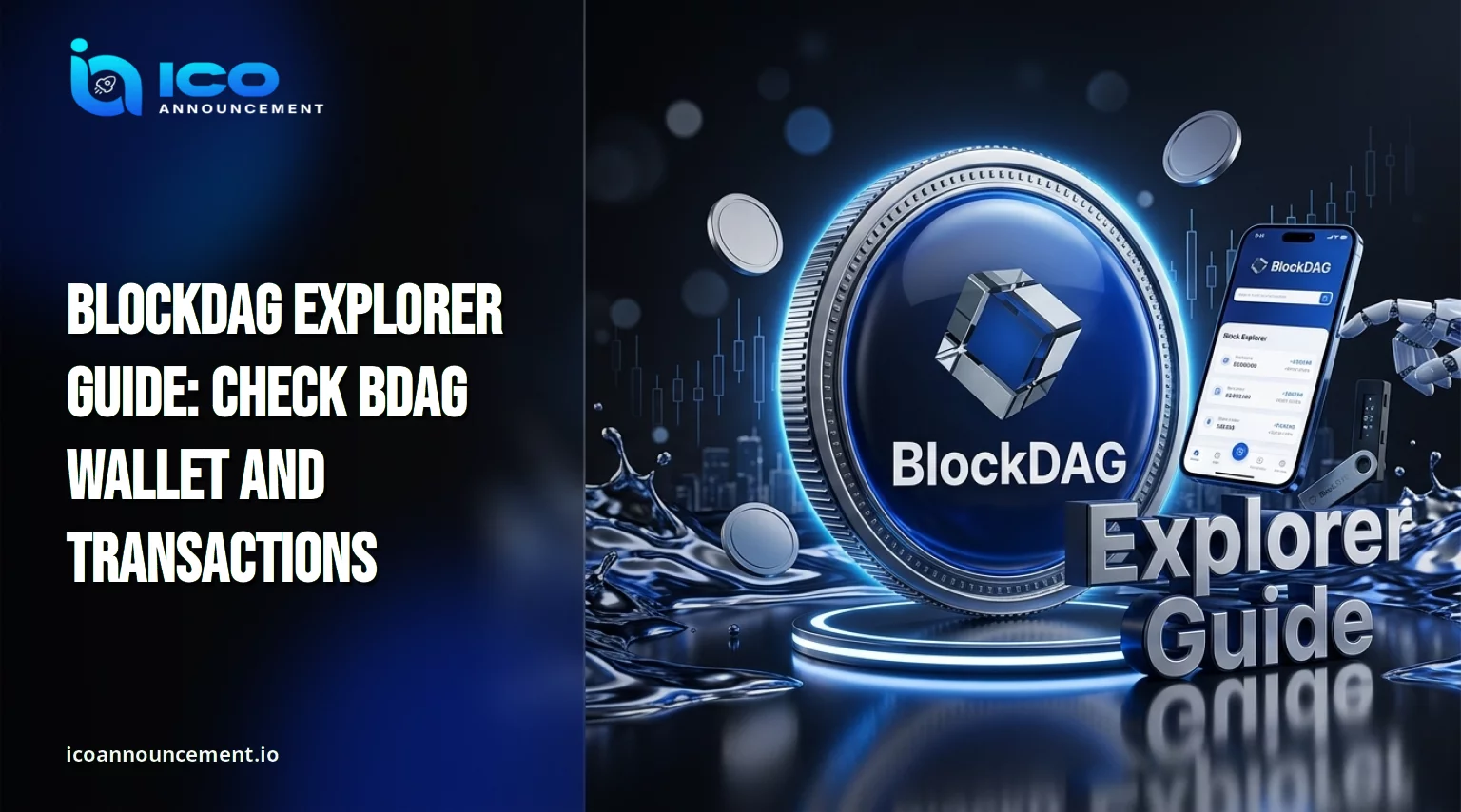
What Is the BlockDAG Explorer, and How Does BDAGScan Work Today?
A blockchain earns trust only when you can read it yourself.
This guide shows how to use the BlockDAG explorer for on-chain verification: reading a public wallet address, following a transaction hash and judging block confirmation status.
If you want the technology first, see how BlockDAG works.
Here the angle is practical: how to check BDAG transactions online and interpret what the page shows, without guessing or trusting screenshots from strangers.
Each step relies only on pages the project itself publishes, so nothing here depends on rumours.
What Is the BlockDAG Explorer, and How Does BDAGScan Work Today?
A blockchain explorer is a public website that displays blocks, transactions and addresses recorded on a network.
It holds no funds and signs nothing, so searching it is a read-only act that supports blockchain transparency.
Anyone can look up the same record and reach the same result.
The official project website lists an Explorer in its Mainnet menu, and that link opens bdagscan.com, the BDAGScan address.
At the time of writing, its menu includes Blocks, Transactions, Token Transfer, Contract Listing and Top Accounts.
Release 239 in the official developer releases listed the explorer, IDE and contracts wizard as live on 16 February 2026. For the network around it, read the BlockDAG ecosystem guide.
How to Check Your BlockDAG Wallet Balance Online Step by Step
To learn how to check BlockDAG wallet balance, you need only a public address, never a seed phrase.
Open the site through the link on the official project website, not through an ad or message.
Paste your public address into the search.
Compare its first and last characters with your app.
Read the balance and the transaction history that appear.
A lookup is different from connecting a wallet.
The Connect Wallet button links your app to the page, which a balance check does not need.
Treat any approval request during a simple lookup as a warning sign, because reading public data never requires permission to move funds.
Long histories can take time to scroll, so be patient before assuming something is missing.
How to Track a BDAG Transaction Hash and Check Confirmations
A transaction hash is the unique ID your app shows after a transfer.
For how to track a BlockDAG transaction hash, copy it from your activity list and search it.
Then read the BDAG transaction status: 'pending' means the network has not yet included it, while 'confirmed' means it sits in a block.
How to check BDAG transaction confirmations is simple: confirmations show how deeply the record sits in history, and the page itself is the reference.
Ignore fixed numbers quoted on social media.
Match sender, receiver, amount and network with your intent, then keep a screenshot as a transaction receipt.
If any detail differs from what you meant to send, the problem is on your side, not the chain’s.
Give a fresh transfer some time, refresh the page and compare again before drawing conclusions.
Why Is Your BDAG Balance Not Showing on the BlockDAG Explorer?
Missing data does not mean lost funds.
Check the likeliest causes first, then search again after a while, because a late update often fixes itself:
A mistyped or wrong address.
A network mismatch, such as an app set to another chain or custom settings that differ from the official ones.
An indexing delay, since wallet synchronisation and page updates can lag.
Unsupported data, such as a balance that lives elsewhere.
Exchange balances cause the most confusion.
Coins held on a platform sit in the platform’s own accounts, so your personal address will not show them until you withdraw.
Read how to check BDAG trading details before comparing figures.
When data looks stale, skim the recent developer releases, which have described RPC and infrastructure work.
Is the BlockDAG Explorer Safe? Check URLs and Avoid Fake BDAG Sites
Is the BlockDAG explorer safe to use? Reading data is low risk on the real site. The danger comes from copycat pages.
The official FAQ page says official updates appear only on its website, verified social accounts and official Telegram channels, so start there and bookmark the address you find.
Check every character of the domain, and distrust ads and private messages. Never enter a seed phrase or private key anywhere, including “sync” pages and support chats.
For how to verify a BDAG wallet address, compare it on screen and review its history before sending.
Our guide on how to secure your BDAG wallet covers crypto wallet security habits. Reject unexpected signing requests.
What to Do If a BDAG Transaction Is Missing or Still Unconfirmed
Why is my BDAG transaction not showing? Work through this checklist:
Hash: copy it again from the app, without spaces.
Recipient address: confirm it matches the one you intended.
Network: confirm the app used the official Mainnet settings.
Status: pending, confirmed or failed, then refresh later.
No record at all: the request may never have been broadcast.
Pending does not mean lost, and an explorer cannot recover or reverse funds.
Avoid resending while the network status is unclear, because a second transfer does not cancel the first.
Save the hash, the recipient address and the time you sent it, so any support team can review the same facts. For deeper steps, read how to fix pending BDAG transactions.
Final Thoughts on Verifying Transfers
Use the explorer only through links confirmed on official channels.
Search public addresses and hashes, read the status, compare each detail with your own records and never share secrets.
Independent checking is the safest habit, and it takes only a few minutes.
Treat the page as a record, not a promise: it shows what happened on the network, but it cannot predict prices or guarantee outcomes.
Disclaimer: This article is for information only and is not financial advice. Crypto assets are volatile, and transfers are usually irreversible. Verify details through official project channels and do your own research before acting.