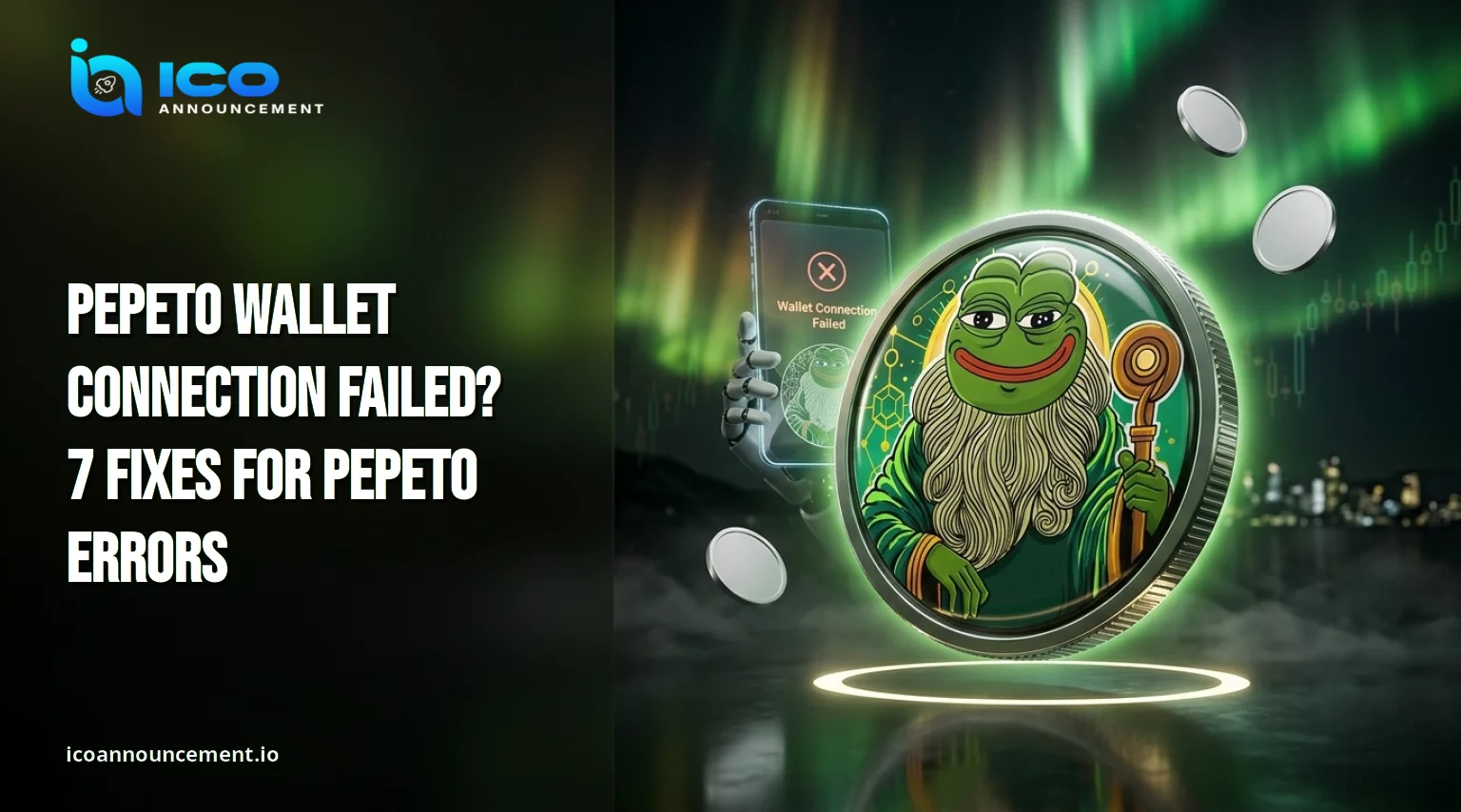
Pepeto Wallet Not Connecting? Fix MetaMask, Network and Payment Errors
Pepeto wallet connection failure is the error buyers report most when the sale page will not link to MetaMask or a mobile app.
The cause is usually small. A locked extension, the wrong network, a stale session, or a payment that is still pending can all trigger it.
This guide covers each check in order, from the first reconnect attempt to a stuck payment, and shows how to avoid fake support along the way. Work through the steps before you send a second payment.
Key Takeaways
- Unlock the extension, refresh the page, and approve the request before anything else.
- Match the selected network to the one named on the official page.
- Check a stuck payment on a block explorer with its transaction hash before paying again.
- Confirm the contract address before adding a custom token.
- Never share a seed phrase with anyone, including "support."
Pepeto Wallet Connection Failed: Why the Sale Page Will Not Link
Most failures start on your side of the screen. A locked extension cannot answer a request, so the page waits and then reports an error.
Unlock it and look for a queued prompt hiding behind another window.
Close duplicate tabs. Two extensions can fight over the same browser, so disable one while you test.
Cached data causes trouble too. Refresh the page, clear its site data, and load it again.
Some browsers block popups from new sites, which hides the approval prompt completely. Allow popups, then retry.
If it still fails, open a fresh browser profile with a single extension installed. Busy sales also slow the site itself, so a few minutes of waiting can solve it.
New buyers can follow the Pepeto wallet setup guide for the right starting order.
Fix MetaMask and WalletConnect Connection Errors in Four Steps
Reconnecting from a clean state fixes most MetaMask problems. Open the extension settings, find connected sites, and remove the old entry.
Close the tab, then open the official sale page again from a bookmark. Press connect and read the prompt before you approve it.
According to Ethereum.org, signing a connection message should not require spending any ETH. A request for a seed phrase is never normal.
WalletConnect adds a phone to the chain. Update the mobile app, delete stale sessions, and scan a fresh QR code.
A weak signal on either device is a common reason pairing times out. If the code will not scan, use the browser extension for that session.
For a deeper primer, learn safe wallet practices on Ethereum.org.
PEPETO Network Error: Check Ethereum, BNB Chain, and Settings
A network mismatch looks like a connection error even when the link worked. A single extension holds several chains, and each shows its own balances.
If the site expects one chain and your extension sits on another, a request can fail or a balance can look empty.
Check the network selector at the top of the extension and compare it with the chain named on the official page.
The project's documentation names Ethereum, BNB Chain, and Solana for its cross-chain tools.
Supported networks can change, so confirm them on official channels, not in a screenshot or a message from a stranger.
Switching networks does not move funds. Approve a switch prompt only when the official page asks for it.
Cross-chain features raise more questions, so read how the Pepeto Bridge works before moving assets between chains.
Payment Failed or Transaction Pending? What to Check Before Retrying
A failed payment and a pending one need different handling.
Open your activity tab and copy the transaction hash. Paste it into the block explorer for the network you used.
The explorer shows whether the transaction is pending, successful, or failed, along with the fee offered.
"Pending" usually means the fee was too low for current congestion.
Ethereum.org notes that gas prices move with network demand, and waiting a few minutes can bring them down.
Many extensions also offer a speed-up or cancel option for a stuck item. "Failed" means the transaction ran out of gas or the contract rejected it.
The sent amount normally stays with you, and only the network fee is lost. Gas on Ethereum is paid in ETH, so keep a small balance beyond the purchase amount.
Inspect the original transaction before paying again. A second payment sent while the first is pending can leave you with two charges.
To understand Ethereum gas fees in detail, read the Ethereum.org explainer.
PEPETO Tokens Not Showing in Your Wallet? Check the Hash First
An empty balance is often a display issue, so start with the receipt.
Find the transaction hash and confirm on the explorer that it succeeded, that it went to the destination shown on the official page, and that the network matches. Then check the timing.
The project says buyers claim after the sale ends, so a zero balance can be normal before that point.
If distribution has happened, the token may need adding by hand. Extensions ask for a contract address, and a wrong one imports a fake that looks real.
Copy the address only from official sources, then compare it with the token page on the explorer. Look at the name, decimals, and verified source code, not just the logo.
Always verify the Pepeto contract before adding a custom token.
How to Avoid Fake Support, Phishing, and Wallet Connection Scams
Errors attract scammers because stressed users act fast.
Fake support accounts reply to public posts within minutes, offer to fix the issue, then ask for a seed phrase or a screen share.
No genuine team needs either. Treat unsolicited direct messages as hostile and use only the official site and the verified accounts it links to.
Phishing pages copy the real sale page and trigger endless connection prompts.
Check the full address in the browser bar and never click a link from a comment.
Read every signing request. A prompt that asks for unlimited token approval deserves a pause.
If you approved something suspicious, revoke the permission with a trusted approval checker and move remaining assets to a fresh address.
Treat Pepeto security audit findings as one data point, not a guarantee of safety.
What to Do If Your Wallet Error Still Will Not Go Away After Fixes
Run a short final checklist before contacting anyone.
Unlock the extension, use one browser profile, select the right network, check the explorer for the original transaction, and confirm the contract address.
Note the exact error text, the time, and the hash. Screenshots help, but crop out any seed words or private details.
Then ask for help through official channels only. Share the hash and the error, never a seed phrase.
If the Pepeto wallet connection still appears on every browser and device, the site itself may be down, and waiting for an official update is safer than repeated attempts.
If your question is about distribution timing, read the Pepeto token claim guide.
Disclaimer
This article is for general information and education only. It is not financial, investment, legal, or tax advice, and it does not recommend buying, selling, or holding any token. The steps above are general and cannot cover every browser, extension, or device. Do your own research and speak to a qualified professional before making financial decisions.