Pending, Failed, or Confirmed: What Each Transaction Status Means
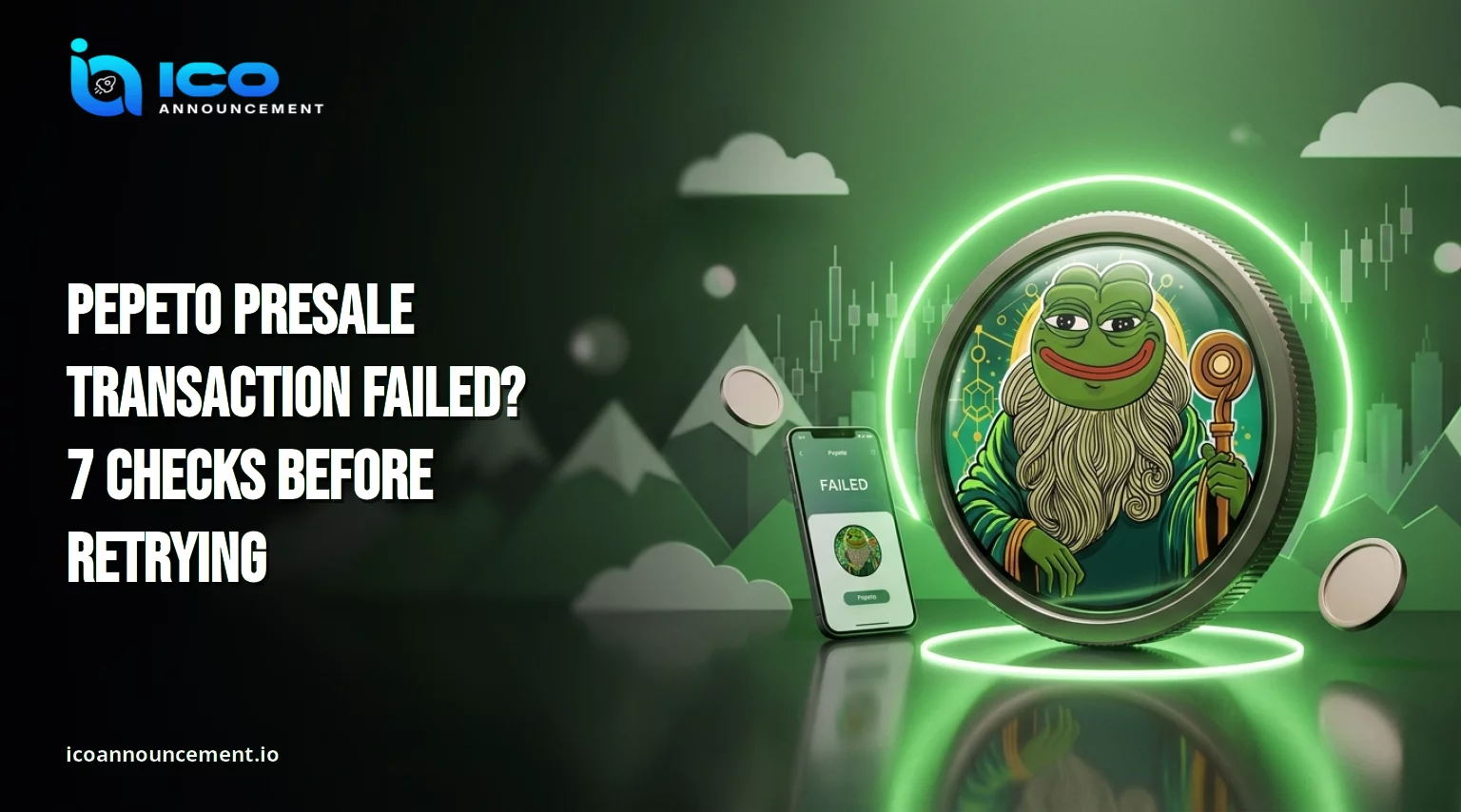
If your Pepeto presale transaction failed or still shows pending, do not send a second payment yet.
A wallet message, a blockchain record, and a credited balance are three different things, and most missing-payment scares come from mixing them up.
Work through the seven checks below to read your transaction hash, confirm the Ethereum network, and decide your next step using only things you can verify yourself.
Quick answer: copy the hash from your wallet, paste it into a blockchain explorer, and read the status.
Pending means waiting, failed means the transfer did not execute, and confirmed means the network recorded it. None of these alone proves that tokens were credited to you.
Pending, Failed, or Confirmed: What Each Transaction Status Means
Searches for Pepeto presale transaction failures usually describe one of three states, and each needs a different response.
A pending blockchain transaction can stall when the gas fee is too low or the network is busy. A failed crypto transaction may still cost a network fee.
Paste your hash into the Etherscan blockchain explorer and read the status line, because the explorer shows the real state, which can differ from a wallet notification. Stuck items often clear once the network calms down.
How to Find Your Transaction Hash and Check the Right Network
Open your wallet transaction history and copy the hash, a long string that begins with 0x.
Then confirm three details on the explorer: the sender is your address, the network is the one you meant to use, and the receiving address matches the details on the Pepeto presale purchase page.
A transfer sent on BNB Smart Chain will not appear on an Ethereum explorer, and the reverse is also true.
Check the network label in your wallet before you search. Save a screenshot of the hash, time, and amount, since you will need them if you ask for help.
Also record the exact time, the coin used, and the address you paid from. These details make matching the entry far easier.
Paid but No Tokens Visible? Why Payment Is Not the Same as Credit
If your Pepeto presale transaction failed or succeeded with no visible balance, remember that a successful transfer does not automatically prove that tokens were credited.
A sale can record your purchase first, with delivery or claiming happening later.
Check the official instructions for token balance verification instead of expecting a balance the moment the payment lands.
Even after delivery, an ERC-20 token only appears in many wallets once you import the correct contract address.
Read the PEPETO token claim guide to see how claiming is described, and rely on official announcements for timing. Do not trust delivery dates posted by third parties or strangers.
ETH, BNB, or USDT Payment Failed? Check the Official Payment Options
Each method fails for different reasons.
An ETH payment needs enough balance left over to cover gas. A USDT transfer on Ethereum needs the stablecoin plus ETH for fees.
BNB payments run on a separate network, so the wrong network choice can send funds somewhere you did not intend.
A repeated Pepeto presale transaction failure result on one method is a reason to pause, not to try another method blindly.
Before assuming a method is supported, check the Pepeto official website for accepted currencies and networks.
This guide does not describe card payments, because their availability and process depend on official documentation at the time you buy.
If you used a method that the site does not list, stop and verify before sending more funds.
Wallet Connected but Purchase Not Showing? Try These Wallet Checks
A connected wallet only means the site can see your address. It does not mean a payment was made.
If you pressed buy and nothing appears, look for a pending prompt inside the wallet, switch to the correct account, and refresh your history.
A hidden approval request, a locked wallet, or a rejected smart contract interaction can look like a purchase that vanished.
If the site will not connect at all, follow the steps in the Pepeto wallet connection before trying again. Change one thing at a time so you can tell what fixed the problem.
How to Confirm the Official Contract Before You Retry a Payment
Token names are not unique, and clones with similar names exist.
Compare the contract address and the payment destination on the explorer with the official website, and ignore addresses sent by strangers in messages or comments.
The official PEPETO contract guide explains how the address check works. If the address you paid does not match an official source, do not send additional funds.
Never share your seed phrase with anyone, including people who claim to represent support, because no genuine helper needs it.
Also check that the site address in your browser is the official one, since lookalike domains copy page designs to collect wallet approvals.
Should You Pay Again or Contact Support? Safe Next Steps to Follow
When a Pepeto presale transaction fails or hangs, do not repeat the purchase until the first transaction is clearly failed, confirmed, or dropped.
Paying again while the first one is pending can leave you spending funds twice for one purchase.
If the explorer shows a failed status, the transfer did not complete, but nothing here promises an automatic refund, and no process should be assumed unless an official source describes one.
Use only the support channels listed on the official website and ignore direct messages offering help.
Once your balance is confirmed, read the PEPETO trading checks guide before you swap.
Disclaimer: The Pepeto presale transaction failed. The article is for information only and is not financial advice. Crypto purchases carry risk, and presale terms, payment options, and token delivery can change. Verify every detail through official channels and the blockchain explorer before acting.