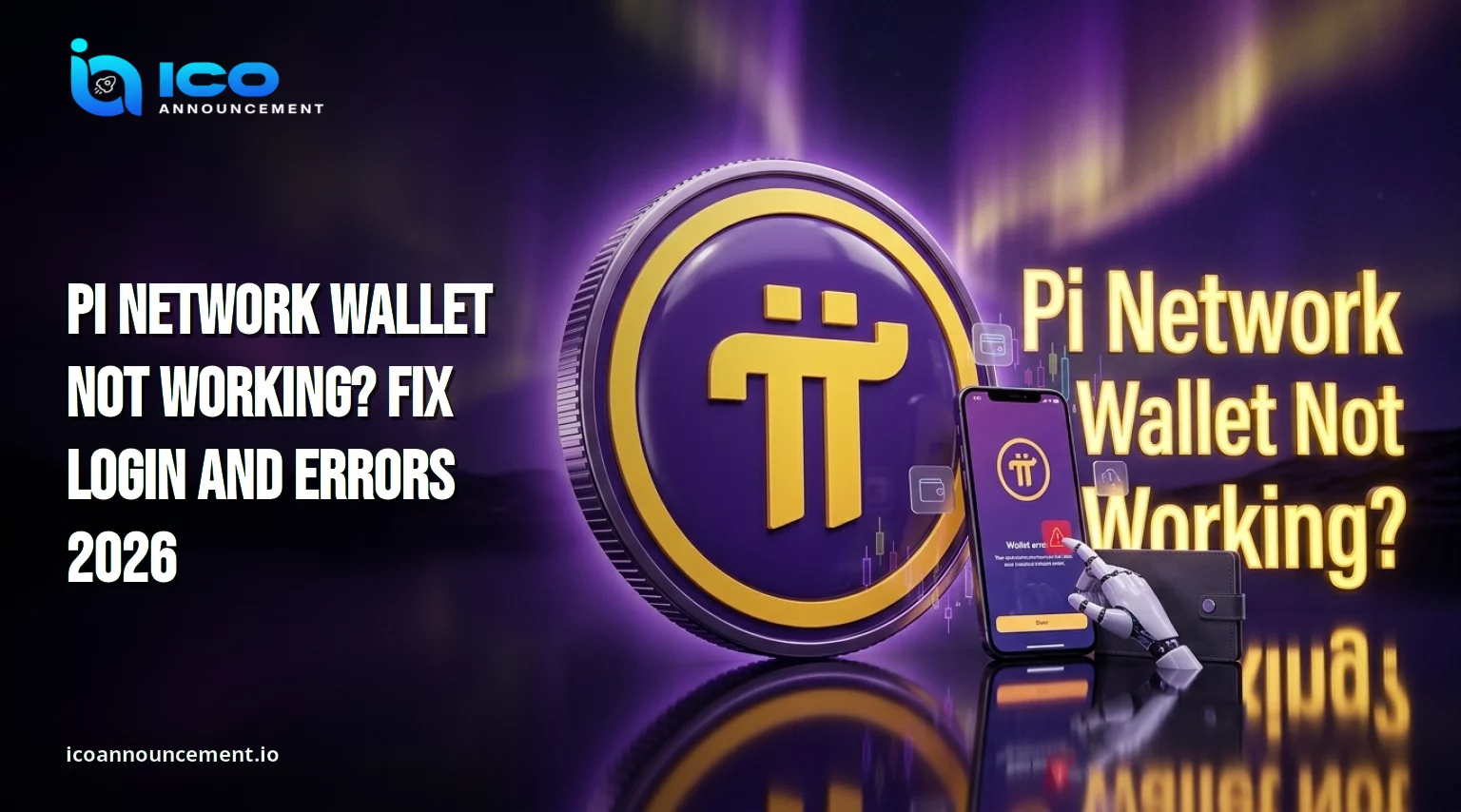
Why Is Your Pi Network Wallet Not Working? 7 Fixes to Try Right Now
You open the app, expect your coins, and the Pi Network wallet not working screen stares back. It will not load, the login fails, or a transfer hangs.
This guide covers the common causes and the safest checks, from network connectivity problems to a failed transaction status.
No fix is guaranteed, and a display problem does not mean your coins are gone.
Why Does This Happen in 2026?
Most trouble comes from a short list of causes: weak internet, an outdated app, a login mismatch, a busy network, or a step still open on the mainnet checklist.
Work out whether the fault sits on your phone or on the network side before you change settings. Change one thing at a time and test after each step, so you know what actually helped.
Note the exact message on screen, because a clear description makes later troubleshooting far easier and keeps guesswork out of the process.
Login Failed? Common Causes and Easy Fixes
A Pi wallet login error often traces back to the wrong account, a typing slip, or an account that has not finished verification.
Use the same sign-in method as before. Update the official app, restart your phone, and retry on stable Wi-Fi.
If account access depends on identity checks, review our Pi Network KYC fixes guide before retrying.
Never type your passphrase anywhere except the official wallet.
Pi Browser Not Connecting to Mainnet?
When Pi Browser is not working, the issue is the basics.
Switch between Wi-Fi and mobile data, update the browser from your official app store, and close other heavy apps. A VPN can also interfere, so switch it off for one test.
Then open the mining app and read the checklist from top to bottom.
An unfinished item can block features, and a status mismatch between screens is a common source of confusion. If one screen disagrees with another, trust the dedicated verification screen and recheck later.
Our Pi Network migration guide shows the usual order of steps, so you can spot which one is still open.
Transaction Failed? Check These Errors First
A Pi Network transaction failed message does not always mean the transfer is lost.
Check the receiving wallet address character by character, because one wrong character sends funds elsewhere.
Confirm that the sendable balance covers the amount, since locked coins cannot move.
Then look at the status before you repeat anything. Duplicate attempts can confuse your history.
Wait for pending items to confirm, and save screenshots in case you need help later. A transfer that stays pending for a long time deserves a closer look at both addresses and the amount.
Zero Balance? Check Your Mainnet Account
A zero balance feels alarming, yet a new or different address will also show zero.
Compare the address with your migration record, then open the history and look for an incoming entry.
The mining total, the migrated amount, and the sendable amount are separate figures, so they rarely match at the same moment.
A low sendable figure can simply mean part of your coins is still locked, which is not an error.
For a longer checklist, read how to fix missing PI coins before you assume anything is lost.
Sync and Loading Errors: App Troubleshooting
A screen that will not load is often a wallet synchronization delay. Close the app fully, update it from the official store, restart the phone, and test your connection. Wait a few minutes before retrying, because repeated taps rarely speed anything up.
If the screen loads slowly only at certain hours, a temporary slowdown on the network side is a possible reason. This mobile app troubleshooting routine solves many simple cases.
If the problem began after your move to the live chain, see our page on balance missing after migration for status checks.
A blockchain explorer can confirm whether a transaction reached the chain, though explorers can lag too.
Avoid Fake Recovery and Support Links
Account trouble attracts scammers.
The official Safety Center lists the real channels and says to enter your passphrase only in the official wallet. It also warns that giving it to phishing sites can cause irreversible transactions.
Ignore fake support agents, recovery websites, unofficial downloads, and anyone who messages you first offering to restore access for a fee.
Real passphrase security means nobody else ever sees the phrase. Write it on paper, keep it offline, and avoid screenshots or cloud notes.
When Should You Contact Official Support?
If the checks above fail, collect your address, transaction details, app version, and screenshots.
Then use the support portal at minepi.com/support and describe the exact error message.
Share these details only through official channels, never in public chats.
Final Thoughts
When the Pi Network wallet problem appears, check your connection, app version, login, and status in that order.
Verify wallet and transaction details through official resources before taking any further step, and never share your passphrase.
Results depend on your account, so treat every fix as a possibility, not a promise.
Disclaimer: Pi Network wallet not working ? This article is for information only and is not financial advice. Features and processes can change, so verify every step inside the official apps. No fix is guaranteed, and crypto assets carry risk.