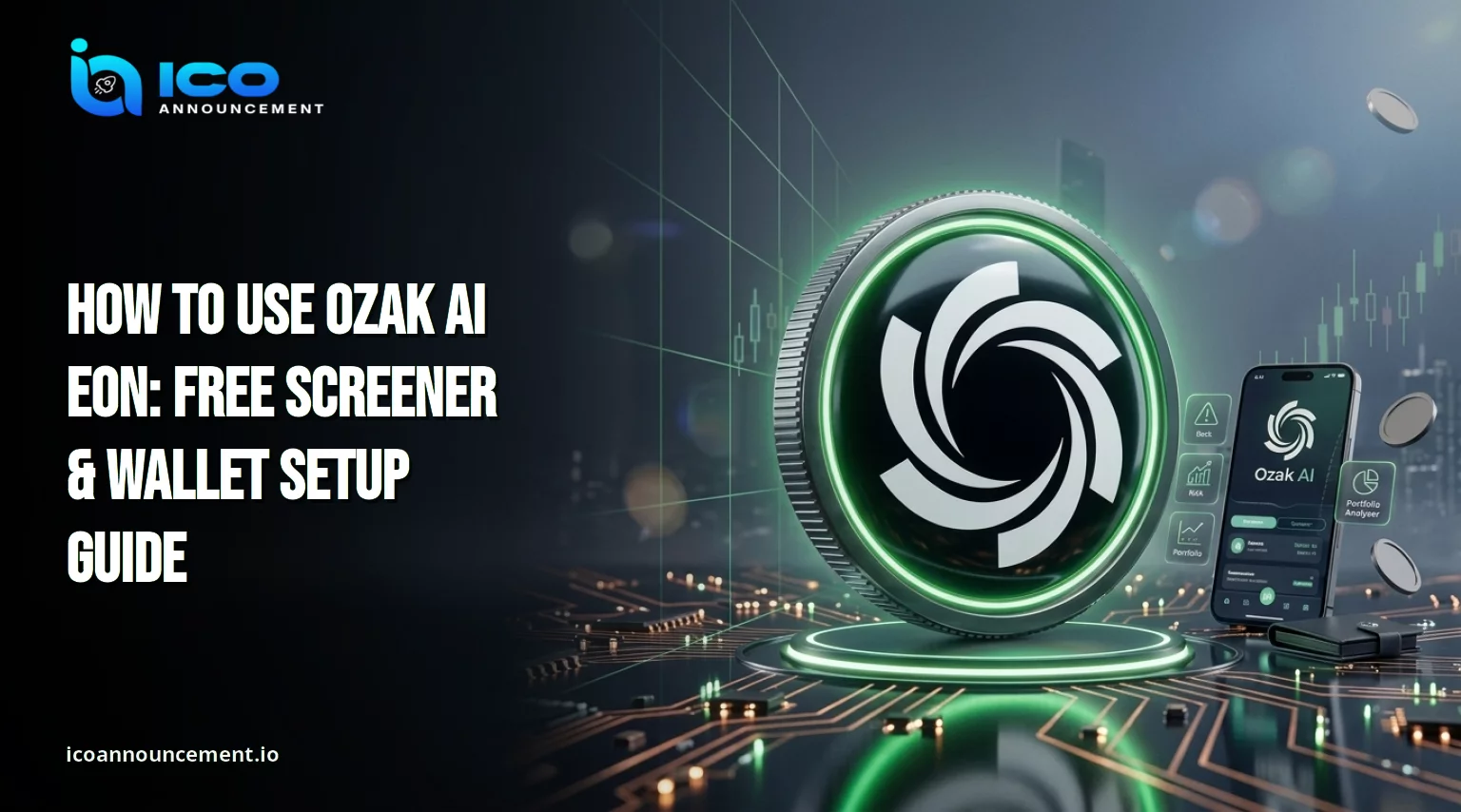
How to Start Using Ozak AI EON Without a Wallet or a Credit Card
If you want to know how to use Ozak AI EON, the short answer is simple: create an account, run the free screener and a first query, and connect a wallet only when you want portfolio analysis or trading.
The official docs describe the platform as live and free to start, with no wallet and no card needed.
This guide covers each step in order, so you know what costs nothing, what needs a signature, and where credits come in.
How to Start Using Ozak AI EON Without a Wallet or a Credit Card
Open the platform at app.ozak.ai, which the docs say now serves as EON, and choose the sign-up option.
Follow the sign-in methods listed in the official getting started guide, then stop there.
Connect nothing at this stage. You can run a first query straight away on the $0 plan, and the free plan does not require $OZ tokens, so a new user can test every free tool before spending anything.
Write down which login method you chose, because you will need the same one when you return.
How to Use the Ozak AI Crypto Screener to Find Tokens Worth Watching
The crypto screener is the fastest free entry point for token research.
Open it from the main menu, start with one broad filter such as market capitalization, and narrow the list step by step.
A shortlist of five to ten tokens is easier to research than a hundred rows.
Free accounts get the core screener features, while the full version with every filter, column, and preset sits in Premium.
For a plan-by-plan breakdown, read our free features and costs review, and keep a personal crypto watchlist of the tokens that pass your filters.
Sort by a column you understand, such as size or recent movement, instead of chasing the biggest daily gainers.
How to Run Your First Crypto Market Analysis Inside Ozak AI EON
Pick one token from your shortlist and ask a plain-language question, such as whether its price setup, news flow, and token unlock schedule look healthy.
The platform returns signals with the reasoning attached, so read the reasoning and not only the verdict.
Specialist agents cover technical analysis, fundamental analysis, news, whale tracking, and token unlocks, which lets you cross-check one view against another.
Treat the output as research input, not an instruction. If you plan to act on it, our EON trading guide shows a fuller workflow.
Learning how to use Ozak AI EON well mostly means asking narrow questions and checking the answers elsewhere.
When Do You Need to Connect a Wallet for Ozak AI Portfolio Analysis?
Only when you want portfolio analysis or trades. Free accounts can analyze one wallet, while multi-chain analysis belongs to Premium.
The platform is non-custodial: it never holds your funds or private keys, and a trade happens only after you sign it yourself.
Before connecting, confirm you are on the official site, read every wallet permission request, and approve only what you understand. Never type a seed phrase into any page.
For a closer look at the analysis screen, see our EON portfolio analyzer guide.
A small test wallet is a sensible way to learn the screen before pointing it at your main holdings.
Ozak AI EON Free vs Premium: Which Features Need a Paid Plan?
The free plan costs $0 and covers core agent features, basic analysis, spot swaps, and limited daily executions.
Premium is listed at $49 a month, shown as 50% off $99, and adds 50,000 credits, all specialist agents, the full screener, and multi-chain portfolio analysis and priority support.
It also unlocks the market signals with Telegram, email, and in-app alerts, which is where EON signal alerts fit in.
One caution: the docs and the homepage place perpetuals and prediction markets in different plans, so check the plans page before assuming access.
How Do Ozak AI EON Credits Work, and What Uses Them Up Fastest?
Credits pay for usage. Premium includes 50,000, and heavy work costs more than a quick lookup, so a full multi-part analysis uses more than a simple price question.
The platform shows a warning before an expensive operation runs, and credits can also be bought without a subscription.
Plans can change at any time with prorated billing. Anyone learning how to use Ozak AI EON on a budget should ask one focused question at a time.
Exact costs per action are in the credits and plans guide, and they can change, so check it before you budget. Watching your balance after each query shows quickly which kinds of questions cost the most.
Ozak AI EON Not Working? Common Setup and Wallet Connection Fixes
Most connection problems are basic. Unlock your extension, switch to the network the action needs, refresh the page, and retry.
Disable other extensions that may compete for the connection, or try another browser or a private window.
Check that the address bar shows the official domain, because fake sites copy connection prompts.
If sign-in fails, confirm you used the same login method as before. The docs also keep an FAQs and Troubleshooting page, which is the right place to check known issues before contacting support.
When you do write to support, include the browser, the device, and the exact message you saw, because that shortens the back and forth.
Is Ozak AI Suitable for Beginners Who Are New to Crypto Trading?
Yes, with limits. The free tier lets beginners learn the screener and market analysis without funding anything, and the reasoning shown with each signal helps explain why a setup looks interesting.
It cannot remove market risk or guarantee profit. Start with the free tools, verify claims independently, and size any trade you place yourself.
When you are ready to compare, read our review of AI crypto trading tools.
Beginners asking how to use Ozak AI EON safely should treat every output as a starting point for their own research.
A good first week is three or four screener sessions, one analysis per shortlisted token, and no trades at all.
Disclaimer: This article is for information only and is not financial advice. Crypto assets are volatile and carry a high risk of loss. Plans, prices, and features can change, so confirm details on the official project pages before acting.