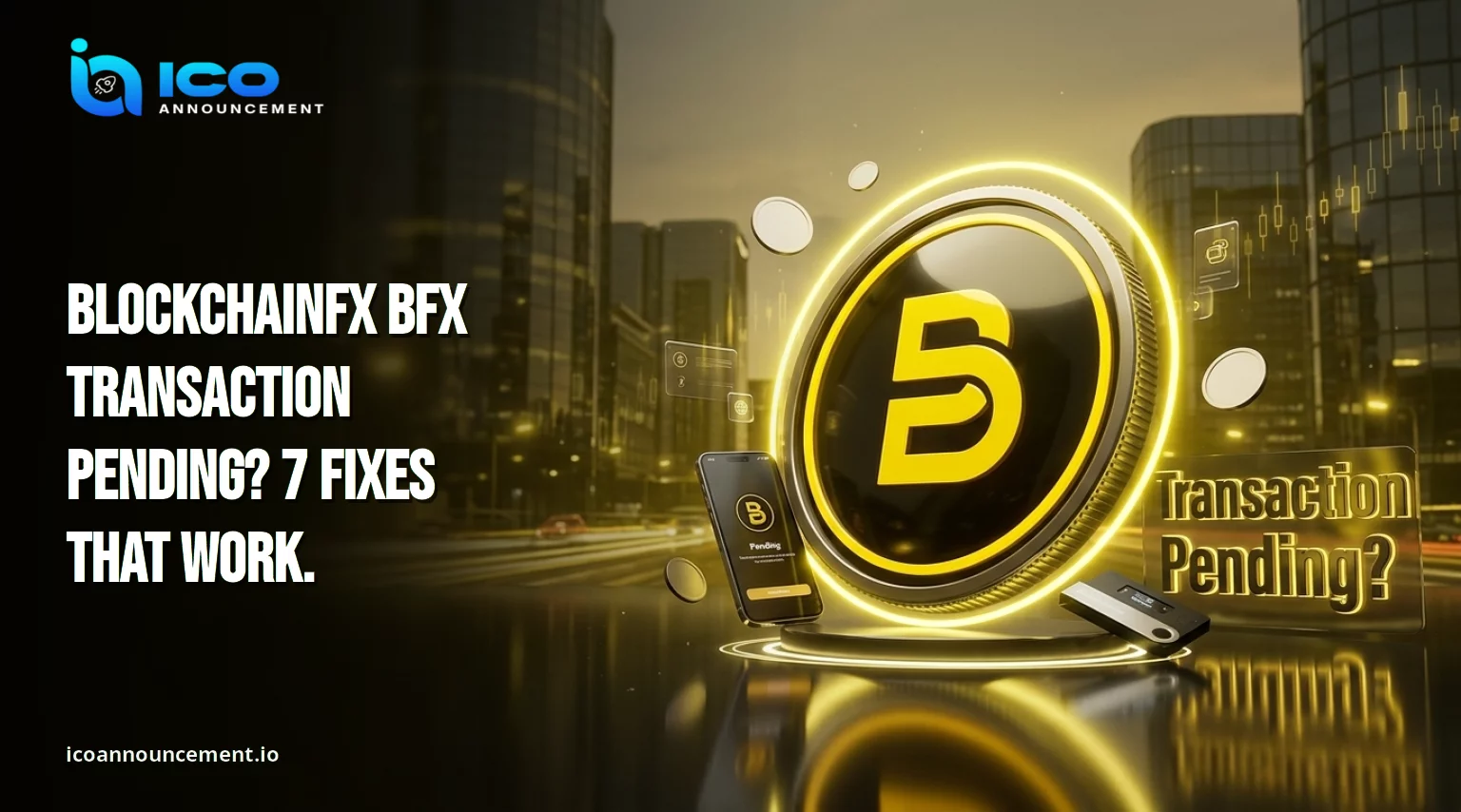
BFX Transaction Not Confirming? Fix Gas and Nonce Issues Fast
Is your BlockchainFX BFX transaction pending for minutes or even hours? You pressed confirm, the wallet showed a spinner, and nothing moved.
Do not click again yet. Most stuck trades trace back to a low gas fee, tight slippage, or a missing approval.
All three can be fixed without losing a cent. This guide gives seven checks in the order that saves money.
It covers your wallet, the Ethereum network, the swap screen, and the receipt that proves what happened.
Work through them one at a time before you try again. If you wonder how to fix BFX transaction pending errors, start here.
Key Takeaways
- A pending status is not the same as a lost trade.
Check the transaction hash before you retry anything.
Low gas, tight slippage, and expired deadlines cause most stuck swaps.
Keep enough ETH in the same wallet to pay network fees.
Retry only after the first attempt shows as failed or dropped.
Why Is My BlockchainFX BFX Transaction Pending? 5 Common Causes
A pending status means the network has seen your request but has not finished it. Five causes show up again and again.
A gas fee set too low for current network congestion.
Slippage tolerance tighter than the pool can fill.
A deadline that ran out before the swap confirmed.
A missing or unconfirmed token approval.
Too little ETH to pay the network fee.
Pending and failed are different states. A pending item can still finish. A failed one cannot. If you ask what to do if a BFX transaction is stuck, the answer starts with the status.
Uniswap lists slippage limits, expired deadlines, and low network funds among its common causes of failure. Its app starts with a 0.5% slippage limit and a 30-minute deadline.
Read the Uniswap troubleshooting guide for the full list of causes.
BFX Transaction Stuck? Check Your Wallet and Ethereum Network First
Open the wallet and look at the activity tab. Confirm that the app sits on Ethereum mainnet, since that is where the token trades.
Check that the account holds enough ETH for the gas limit and the fee. Next, look for an older queued item.
Ethereum processes each wallet's requests in order, using a counter called a nonce. One stuck item can block every later one behind it.
Most wallets offer speed-up and cancel buttons. Both reuse the same nonce with a higher fee, which pushes the old request out of the way.
Heavy traffic can delay even a fair fee for a while, so give the network a few minutes before you act. After that, refresh the page and look at the activity list again.
A clean view often shows the true state of each request, and it takes only a few seconds to do.
For safe setup habits, see the wallet security guide.
BFX Swap Pending on Uniswap? Check Gas, Slippage, and Liquidity
On a Uniswap swap, three settings decide the outcome. Gas pays the network. Slippage sets how far the price may drift. Liquidity decides how much your order moves the price.
Why is my BFX swap not confirming? Thin pools are a common reason, because they punish large orders. A BlockchainFX BFX transaction failed on Uniswap and often has the same cause.
If the price shifts past your limit, the swap fails. Raise slippage in small steps, and split big orders into smaller ones. A very high limit invites bots that profit from the gap.
Compare quotes across the available pairs before you confirm. A small test order also shows how deep the pool really is.
Confirm token and pair details on the official BlockchainFX website before you approve anything.
How to Check a BlockchainFX BFX Transaction Hash Before Retrying
The hash is your receipt, and learning how to check a BFX transaction hash takes under a minute. Copy it from the wallet activity tab and paste it into Etherscan.
The status will read "pending," "success," or "failed."
Pending: the network is still waiting to include it.
Success: it went through, even if your balance has not refreshed.
Failed or reverted: the network rejected it, and a retry is safe.
This check is the heart of transaction confirmation. If the page shows nothing at all, the request may have been dropped or replaced.
Never submit the same swap twice while the first is still waiting. Two attempts can mean two fees.
Also confirm you hold the right token. Use this guide to verify the BFX contract before you read any result.
BFX Transaction Failed After Approval? Check These Wallet Settings
An approval and a swap are two separate steps. The approval lets the router spend your tokens. The swap then moves them.
The first can succeed while the second fails.
Check four things. Use the right network. Keep ETH for fees. Refresh the wallet connection by disconnecting and reconnecting.
Then test a clean browser window with extra extensions switched off. Old sessions and script blockers often cause odd errors.
Some tokens also carry a fee inside their contract, which means the swap needs a higher slippage setting to pass.
If the error appears on a claim page instead of a swap screen, follow the BFX claim troubleshooting steps.
Can You Lose BFX When a BlockchainFX Transaction Fails or Stalls?
No. A failed swap does not remove the tokens you tried to swap. They stay in your wallet.
What you lose is the gas fee spent on the attempt. A pending item has not finished, so nothing has moved yet. Use this table to read each state.
Source: standard Ethereum transaction behavior.
Selling is where many swaps stall on thin liquidity. The BFX selling guide covers pairs, fees, and price impact.
BlockchainFX BFX Transaction Still Pending? When to Retry Safely
Follow this order:
Check the hash on Etherscan.
Confirm Ethereum mainnet in the wallet.
Confirm enough ETH for fees.
Check that the approval went through.
Review slippage and the deadline.
Retry only if the status reads failed or dropped, or after you cancel the stuck item.
A safe retry also needs a fresh quote.
Prices move fast, so never reuse an old screen.
Take a screenshot of each error message too.
Support teams and community channels can use that detail to point you to the right fix.
Never share your seed phrase with anyone who offers help, because no real helper will ever ask for it.
New to the swap flow? Read the step-by-step buying guide and test with a small amount first.
A BlockchainFX BFX transaction pending is usually a settings problem, not a lost trade.
Check the hash, the network, your ETH balance, and your slippage before you confirm again.
Slow checks cost minutes. A rushed retry can cost a second fee.
Disclaimer: This article is for information only and is not financial, investment, or legal advice. Crypto trading carries a high risk of loss. Verify details with official sources before you act.